If your business is not showing up on Google Maps, the first thing you need to know is this: there is a big difference between being completely missing and simply not ranking where you want to rank.
A business that does not appear when someone searches its exact name may have a profile, verification, suspension, or eligibility problem. A business that shows up by name but not for searches like “plumber near me” or “roofing company in Norman” has a different problem. That business is visible, but Google does not see it as one of the best local results for that search.
This guide walks through both situations. Start with the first section, identify which problem you actually have, then fix the right thing first.
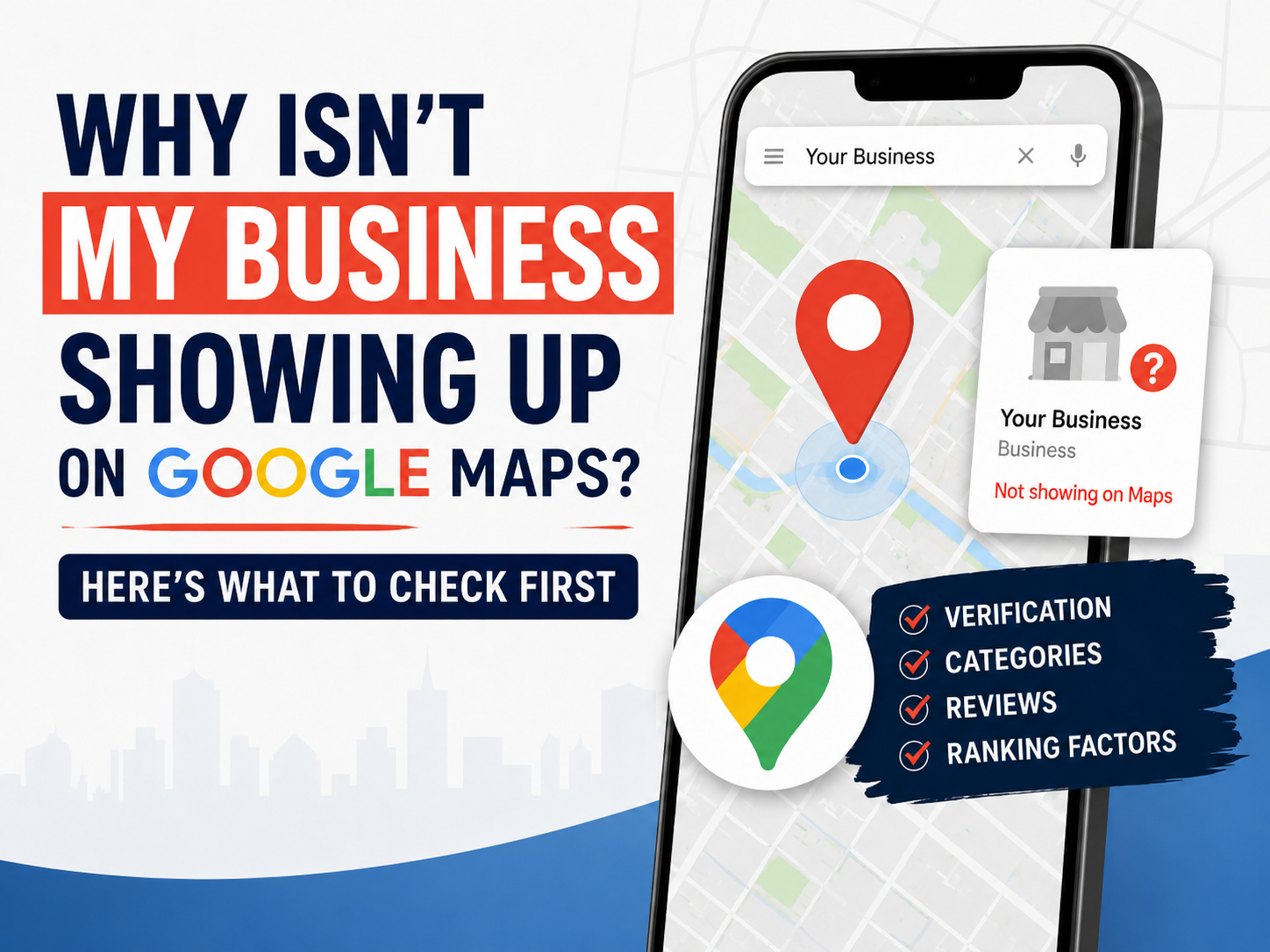
Quick answer: Your business may not be showing up on Google Maps because your Google Business Profile is not verified, is suspended or disabled, has incorrect information, uses the wrong business category, lacks local relevance, is too far from the searcher, or is being outranked by stronger competitors.
First, figure out which Google Maps problem you have
Before you change anything on your profile, search for your business in two different ways.
Search 1: Your exact business name
Type your full business name into Google Maps. If you cannot find it at all, you may have a profile visibility issue.
Search 2: Your service + city
Search the way a customer would, such as “tree removal in Edmond” or “pest control Oklahoma City.” If you do not show up here, you probably have a ranking or relevance issue.
That distinction matters because the fixes are different. If your profile is suspended, changing your website copy will not fix it. If your profile is visible but weak, obsessing over verification will not help you outrank competitors.
Google says local rankings are based mainly on three things: relevance, distance, and prominence. In plain English, Google is asking:
- Relevance: Does this business match what the customer searched?
- Distance: Is this business close enough to the searcher or searched area?
- Prominence: Does this business look trustworthy and established compared to other options?
Most Google Maps visibility problems fit into one of those three buckets, unless the profile itself is not eligible, verified, or publicly visible.
If your business does not show up when you search its name
If your business does not show up even when you search the exact business name, do not start with keywords. Start with the status of the profile.
Your Google Business Profile may not be verified
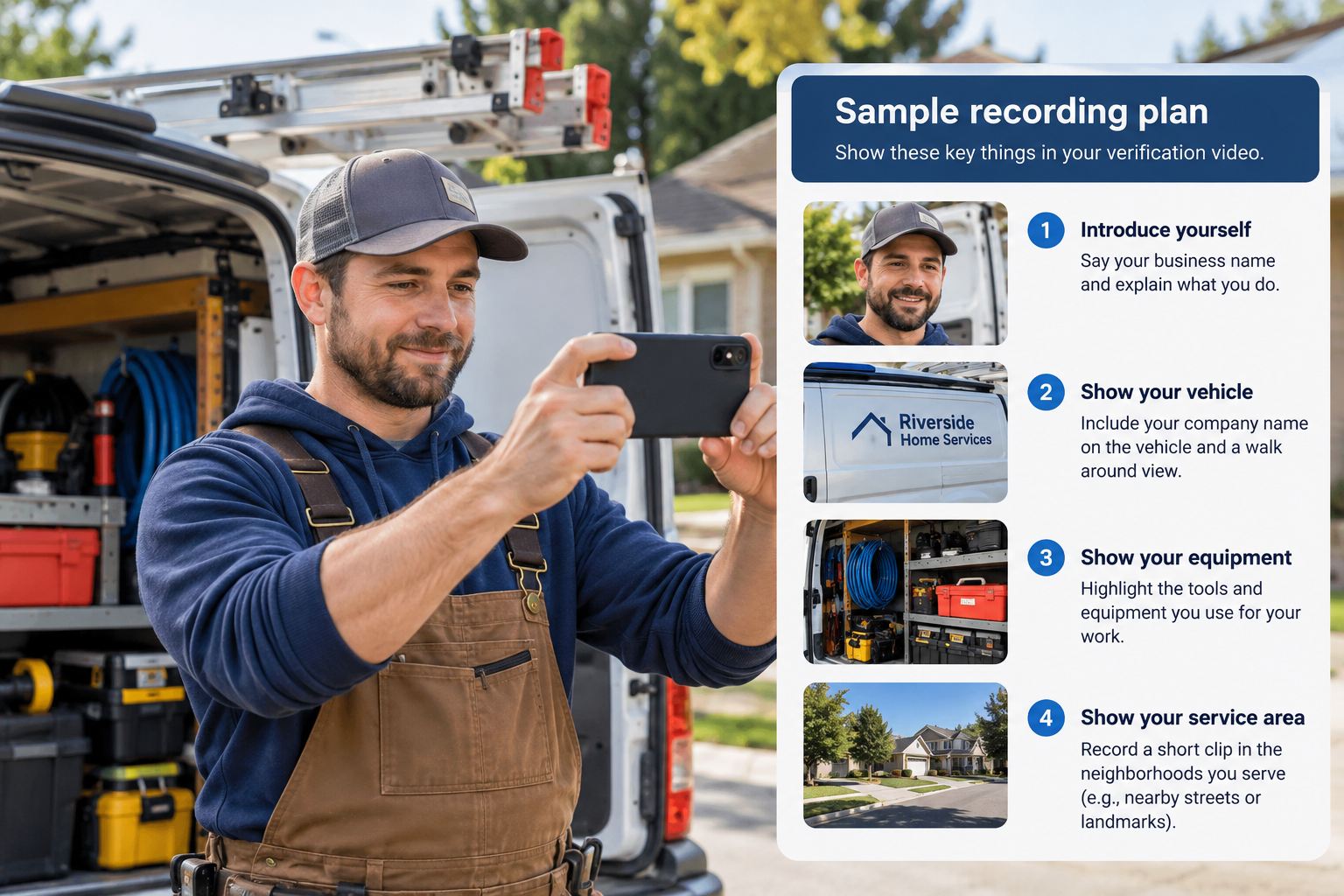
Google often requires business owners to verify their profile before it can be fully managed or shown correctly. Verification methods can vary. Some businesses may be asked to verify by video, phone, email, postcard, or another method depending on the business type and information Google has available.
Start by checking your Google Business Profile dashboard. If Google is asking you to verify, follow the steps carefully. You can also review Google’s official page on how to verify your business.
Your profile may be suspended or disabled
If your profile is suspended or disabled, it may not show publicly even if you can still access parts of it. This is not a normal ranking problem. It is a profile status problem.
Google says it may suspend or disable Business Profiles that do not follow its guidelines. If this happened to you, review Google’s page on fixing suspended or disabled profiles before making more edits.
Do this first: Open your Google Business Profile dashboard and look for words like “verify,” “suspended,” “disabled,” “pending,” “needs review,” or “appeal.” If any of those appear, solve that issue before worrying about rankings.
Your business information may not follow Google’s guidelines
Google has rules for how businesses should represent themselves. Your business name should match the real-world name of the business. Your address or service area should be accurate. Your category should describe what the business actually does.
Problems can happen when a business uses a fake address, adds keywords to the business name, chooses misleading categories, or creates duplicate listings. If you are not sure whether your profile follows the rules, read Google’s guidelines for representing your business on Google.
You may have a duplicate profile
Duplicate profiles can confuse Google and customers. This can happen when an old profile exists from a previous owner, an old address still appears online, or someone created a second profile without realizing one already existed.
Search your business name, old phone number, old address, and previous business names. If you find duplicate listings, do not immediately create more profiles. Figure out which one should be the main profile and clean up the conflicting information.
If your business shows up by name but not for your service
This is the most common situation. Your business is on Google Maps, but it does not show up when people search for what you sell.
For example, a roofing company might show up when someone searches the company name, but not when someone searches “roof repair near me.” A photographer might show up by name, but not for “wedding photographer in Edmond.” A pest control company might exist on Maps, but be buried for “exterminator near me.”
That usually means Google can find the business, but it does not see the business as one of the strongest matches for the customer’s search.
Your primary category may be wrong
Your primary category is one of the clearest ways you tell Google what your business is. If the category is too broad, too vague, or focused on the wrong service, your profile may struggle to show up for the searches that matter.
For example, if your main revenue comes from pest control, but your profile category does not clearly match pest control or extermination services, Google may not connect your business to those searches as strongly as it should.
Your website may not clearly support the service
Your Google Business Profile and your website should agree with each other. If your profile says you provide local SEO, but your website barely explains local SEO, Google and customers have less evidence to work with.
A good local business website should make these things obvious:
- What service you provide
- Where you provide it
- Who you help
- Why customers should trust you
- How someone can contact you
If your website is vague, thin, or built around generic phrases like “quality service you can trust,” it may not support your Google Maps visibility very well.
If you want a broader starting point, Moose Marketing Group has a local marketing guide that helps business owners think through their online presence beyond one profile edit.
Your reviews may be weaker than the businesses already ranking
Reviews are not the only ranking factor, but they matter because they help prove trust. If the businesses above you have more reviews, better ratings, newer reviews, and consistent owner responses, they may look more reliable to both customers and Google.
This does not mean you need fake reviews or a sudden flood of reviews. It means you need a real process for asking happy customers at the right time and responding like an owner who pays attention.
Your profile may look inactive
A profile with old photos, unanswered reviews, missing services, incomplete hours, and no updates looks neglected. An inactive profile does not automatically disappear, but it gives competitors an opening.
Add real photos. Keep hours accurate. Fill out services. Respond to reviews. Publish helpful updates when they make sense. The goal is not to spam your profile. The goal is to make the business look alive and trustworthy.
If you show up in one area but not another
Sometimes your business is not broken. Sometimes you are just farther away from the searcher than the competitors are.
This is frustrating for service-area businesses because you may drive across the whole metro. But Google Maps still cares about location. Setting a large service area does not guarantee that you will rank everywhere inside that service area.
Example: A business based in Moore may want to show up for searches in Edmond. It might serve Edmond customers, but Google may still prefer businesses that are physically closer to Edmond or have stronger Edmond-specific signals.
If you want to rank in a nearby city, your business needs more than a service area setting. You may need city-specific website content, real customer reviews from that area, project photos, local backlinks, and profile activity that supports that location naturally.
What to fix first if your business is not showing up on Google Maps
Fix the problem in the right order. Random changes make it harder to know what worked.
Step 1: Check whether the profile is visible and healthy
- Is the profile verified?
- Is there a suspension or disabled profile notice?
- Is Google asking for another verification step?
- Did you recently change the name, address, category, or website?
Step 2: Make sure the basic information is correct
- Use the real business name.
- Use the correct primary category.
- Make sure hours are accurate.
- Use the right website link.
- Make sure the phone number works.
- Use an accurate address or service area.
Step 3: Make the service obvious
- Add accurate services to the profile.
- Use photos that show real work.
- Make sure your website clearly explains the service.
- Create service pages for important services.
- Use customer language, not vague marketing language.
Step 4: Build trust signals
- Ask happy customers for honest reviews.
- Respond to reviews.
- Add recent photos.
- Keep profile information updated.
- Earn local links and mentions where they make sense.
If you want a quick place to start, use the free Google Business Profile Quick Check. It can help you spot obvious weaknesses before you start changing things randomly.
How to tell if competitors are simply stronger than you
If your profile is verified, accurate, and visible by name, then the issue may not be that something is “wrong.” It may be that other businesses look like better results.
Search your main service and compare your profile to the top three businesses. Do not overcomplicate it. Look at the obvious things first.
| What to compare | Why it matters |
|---|---|
| Primary category | If their category matches the search better than yours, they may have a relevance advantage. |
| Review count and rating | Stronger review signals can make a business look more trustworthy. |
| Recent reviews | Fresh reviews show that people are still using and talking about the business. |
| Owner responses | Responses show that the business is active and paying attention. |
| Photos | Real, recent photos help customers understand the business before they call. |
| Website quality | A clear website can support the service and city relevance of the profile. |
| Location | A competitor closer to the searcher may have a distance advantage. |
This is where Google Maps SEO becomes ongoing work. A one-time profile edit can help, but it usually does not replace months of better reviews, better content, better photos, stronger local relevance, and a more trustworthy web presence.
If you are trying to decide how much effort or budget to put into local visibility, Moose Marketing Group also has a free local marketing budget calculator.
Do not make these mistakes when your business is not showing up
Do not stuff keywords into your business name
Your business name should match your real-world business name. Adding extra city or service keywords may create guideline problems.
Do not create fake listings for nearby cities
If you want to rank in nearby cities, build real local relevance. Do not create extra profiles for locations where your business does not actually operate.
Do not use a fake address
Fake addresses can create serious profile problems. If you are a service-area business, set up the profile correctly instead of pretending to have a storefront.
Do not buy fake reviews
Fake reviews are risky and dishonest. Build a real review process instead.
Do not change everything at once
If you change the name, category, website, service area, description, and hours all at the same time, you will not know what helped or hurt. Fix the most important issue first.
Frequently asked questions
Why isn’t my business showing up on Google Maps?
Your business may not be showing up because the profile is not verified, is suspended or disabled, has inaccurate information, uses the wrong category, lacks local relevance, is too far from the searcher, or is being outranked by stronger competitors.
Why can I find my business by name but not by service?
This usually means your profile is visible, but Google does not see it as one of the strongest matches for that service search. Check your primary category, services, website content, reviews, photos, and local relevance.
How long does it take for a business to show up on Google Maps?
Timing can vary. Your profile may need verification before it appears fully. Major edits can also trigger review. If your profile is verified but still missing by name, check for suspension, duplicate listings, or guideline issues.
Does my website affect my Google Maps ranking?
Yes. Your website can support your Google Business Profile by clearly explaining your services, locations, contact information, and trust signals. A vague website makes it harder for customers and search engines to understand what you do.
Can I rank in a city where I do not have an address?
It is possible to gain visibility in nearby cities, but it is not automatic. Distance still matters. To compete, you need real local relevance, strong service pages, reviews, photos, and trust signals connected to that area.
What should I check first if my business disappeared from Google Maps?
Check your Google Business Profile dashboard first. Look for verification requests, suspension notices, disabled profile messages, pending review warnings, or recent major edits. Profile status issues should be fixed before ranking work.
Need help figuring out why your business is not showing up?
Moose Marketing Group helps local businesses improve their Google Business Profile, local SEO, and Google Maps visibility. If you are not sure whether your issue is verification, relevance, distance, reviews, or competition, we can help you find the real problem before you waste time fixing the wrong thing.
Visit Moose Marketing Group or start with the free Google Business Profile Quick Check.